Google Launches Experimental App for Running AI Models Offline on Phones
In a quiet but significant move, Google has released a new app that enables users to run a variety of open-source AI models directly on their smartphones without requiring them to connect to the internet.

In a quiet but significant move, Google has released a new app that enables users to run a variety of open-source AI models directly on their smartphones without requiring them to connect to the internet.
The Sundar Pichai-led tech giant calls the app Google AI Edge Gallery, currently available to Android users (an iOS version will be ready soon).
As an experimental Alpha release, AI Edge Gallery makes it easy for users to browse, download, and run different Hugging Face-hosted AI models. Users can leverage cutting-edge tools for image generation, Q&A, code editing, and more.
Unlike cloud-based AI services, Google AI Edge Gallery runs models locally. That means the app uses a device’s built-in processor.

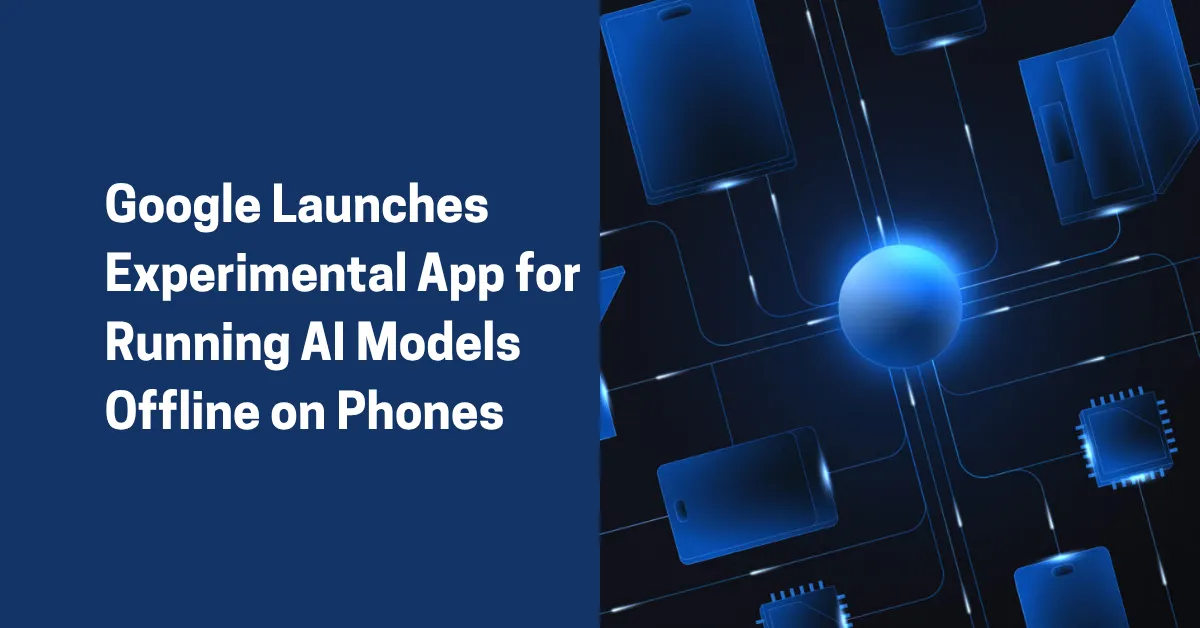
Image by storyset on freepik
This feature enables users to perform tasks entirely offline. It’s a big plus for those concerned about privacy or limited connectivity.
Experts say the Google AI Edge Gallery is ideal for users who don’t want to send personal data to remote servers (for privacy and security concerns). It’s also suitable for individuals who simply want AI access without relying on Wi-Fi or mobile data.
The app’s interface includes shortcuts to features such as “Ask Image”** and “AI Chat.” Selecting one of these capabilities displays a list of compatible models, including Google’s own Gemma 3n.
The “Prompt Lab”** is another feature, empowering users to execute single-turn tasks (i.e., summarizing or rewriting text). Users can configure the settings to fine-tune results.
Experts say the Google AI Edge Gallery can be an invaluable addition to a growing list of AI tools for productivity.
Performance varies depending on device specifications, with newer phones with stronger processors running AI models faster (although AI model size influences performance). Larger models can take longer to process tasks compared to more lightweight alternatives.
Individuals and business owners can download it on GitHub. Google is actively seeking feedback from the developer community to shape future updates.
With AI continuing to shift from the cloud to the edge, Google’s AI Edge Gallery marks an important step toward bringing powerful machine learning tools into the palm of your hand, literally.
Keep reading
More from the blog on the same topic.
NASA & Google Join Forces on AI Medical Assistant for Mars Missions
NASA and Google team up to launch an AI medical assistant for deep-space missions like Mars. Discover how it could transform astronaut healthcare and remote medicine on Earth.
Grammarly Changes Name to Superhuman and Launches Cross-App AI Tool
Grammarly has officially rebranded itself as Superhuman. Moreover, it introduced a new AI assistant called Superhuman Go. Read here!

Google Unveils “Nano Banana” Upgrade for Gemini’s Image Editing (Now Live for ALL Users)
Google has unveiled its latest breakthrough in AI image editing with “Nano Banana.” It’s a welcome upgrade inside the tech giant’s Gemini app, promising sharper realism and more creative flexibility.
Ready to create talking videos that hold attention?
Start with a script, pick a puppet, and share a finished video in minutes. Free to try, no credit card required.