Apple Intelligence Makes Creating iPhone Shortcuts Easier
Apple recently announced that making iPhone Shortcuts is now more accessible, empowering users to create custom automation simply by describing what they want their devices to do. The answer? Apple Intelligence!

Apple recently announced that making iPhone Shortcuts is now more accessible, empowering users to create custom automation simply by describing what they want their devices to do. The answer? Apple Intelligence!
This feature eliminates much of the tedious, manual work often involved in creating shortcuts.
However, Apple says the technology still has some limitations.
Apple introduced the feature as part of its latest software developments, allowing users to enter ordinary written instructions instead of the more traditional way of simply selecting and arranging individual actions.
Apple Intelligence then puts together the necessary steps to create the requested shortcut.
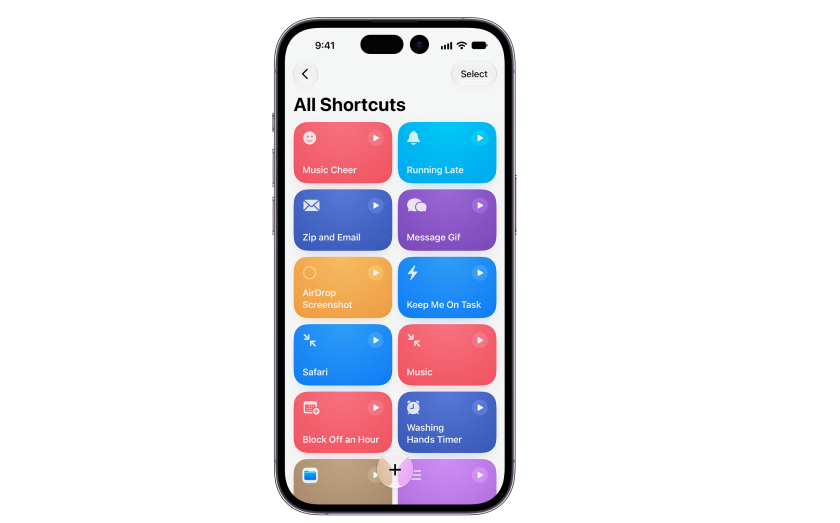
To create an iPhone Shortcut, users only need to open the Shortcuts app and tap the plus (+) button.
Next, they’ll describe the automation they want to create.
Once submitted, Apple Intelligence generates a shortcut that users can test and modify as needed.
For example, someone could ask their iPhone to lower screen brightness or activate the Do Not Disturb feature. Or, they could simply ask their device to switch to Dark Mode at a particular time.
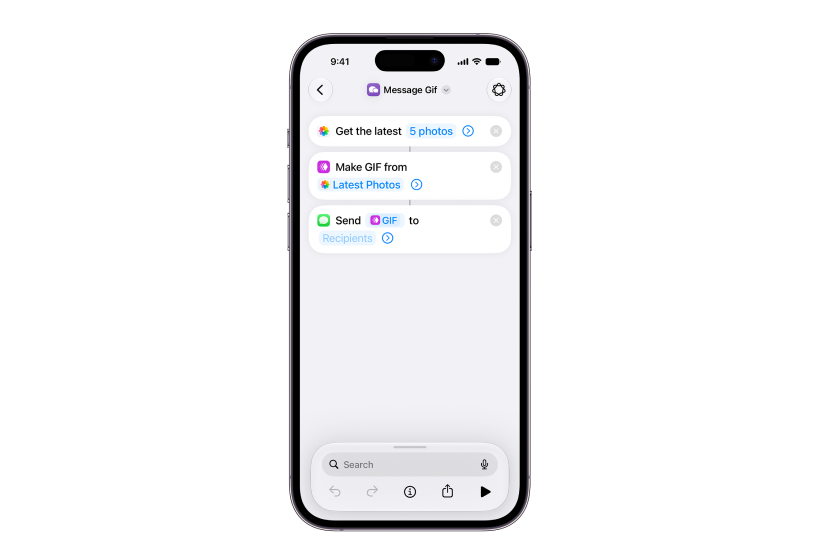
Apple’s latest feature also allows users to create routines that manage notifications and perform several tasks with one command. They can also open apps they most often use.
Such a feature could make Apple Shortcuts more appealing to users who have avoided the app because of its complicated setup.
Although Apple’s automation tool has been around since 2018, users typically needed to understand how different actions work together. And that made building more elaborate routines more cumbersome for some Apple users.
While the latest Apple Intelligence feature has simplified creating Shortcuts, there are a few drawbacks.
Tests have shown that some instructions produce shortcuts that only partially accomplish the requested task. Sometimes, the generated actions may not work as intended. This requires users to make manual corrections or try a different approach.
Despite these shortcomings, the integration offers a practical reason to revisit the Shortcuts app. iPhone owners can start with a simple description and let Apple Intelligence handle much of the initial setup.
Keep reading
More from the blog on the same topic.

WWDC 2025 Highlights: Apple Intelligence and AI Features
Apple introduced a significant evolution of their AI strategy under the banner “Apple Intelligence” during its annual WWDC keynote.
Apple Intelligence Features: What You Need to Know
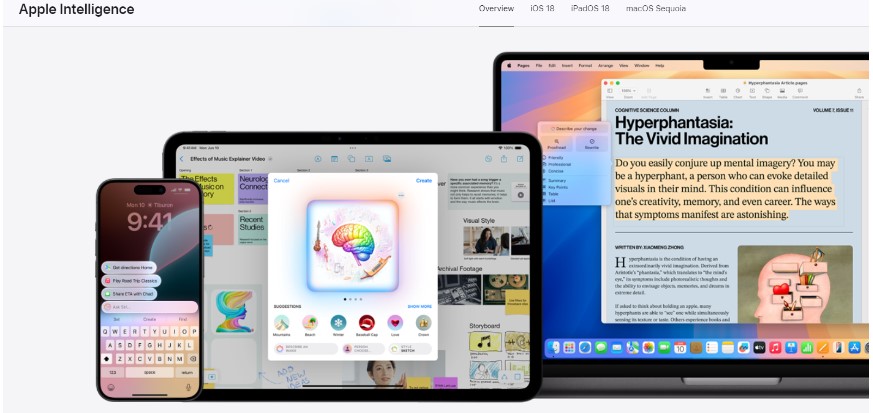
Apple Intelligence can transform your experiences with innovative, advanced AI, enhanced automation, and personalized suggestions. Stay ahead. Read this post about its latest features!
AI Video Creators: New Apple Intelligence Features
AI video creators are abuzz with Apple’s introduction of Apple Intelligence features at the Worldwide Developers Conference last June 2024. Learn more here!
Ready to create talking videos that hold attention?
Start with a script, pick a puppet, and share a finished video in minutes. Free to try, no credit card required.