NEW FEATURE: Puppetry AI Adds Voice Cloning to the Studio
Great news, AI video creators! Puppetry has just launched its latest feature, VOICE CLONING, which allows you to clone your voice and use it to generate AI videos. Let me walk you through the process in today’s tutorial.

Great news, AI video creators! Puppetry has just launched its latest feature, VOICE CLONING, which allows you to clone your voice and use it to generate AI videos. Let me walk you through the process in today’s tutorial.
What is AI Voice Cloning?
First, the definition of voice cloning. It’s simply the creation of an artificial simulation of your voice with the latest artificial intelligence technologies that can produce speech resembling it.
AI voice cloning involves recording your speech from the target voice used in training the AI model.
The model then learns about your vocal patterns, nuances, and intonations. The AI model then generates speech that sounds like you (the original speaker).
We have good news if you want to create your voice clone! You can do it in the Puppetry Studio. Keep reading in the following section to learn more.
How to Clone Your Voice with Puppetry
1. Log into the Puppetry Studio.
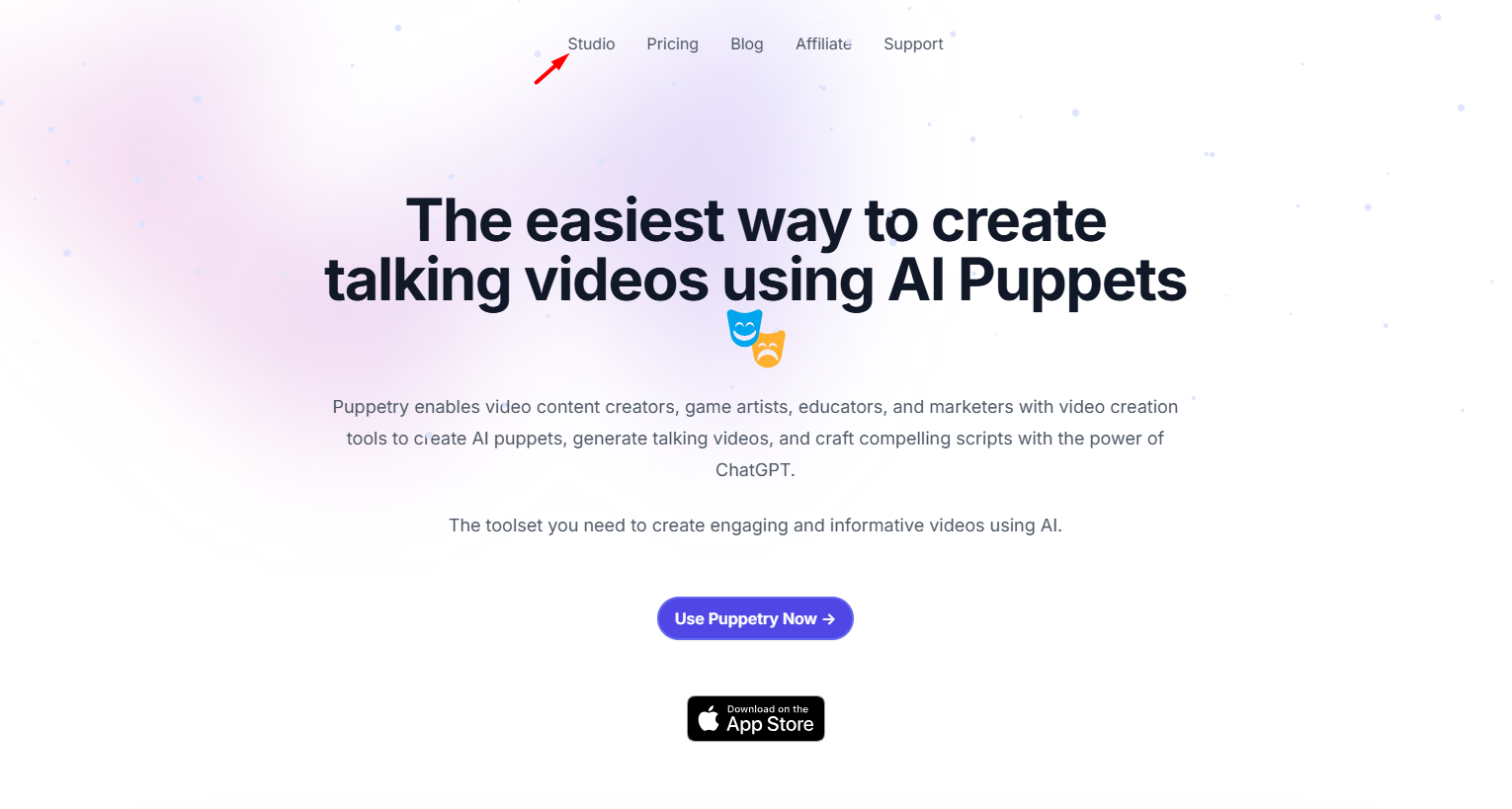
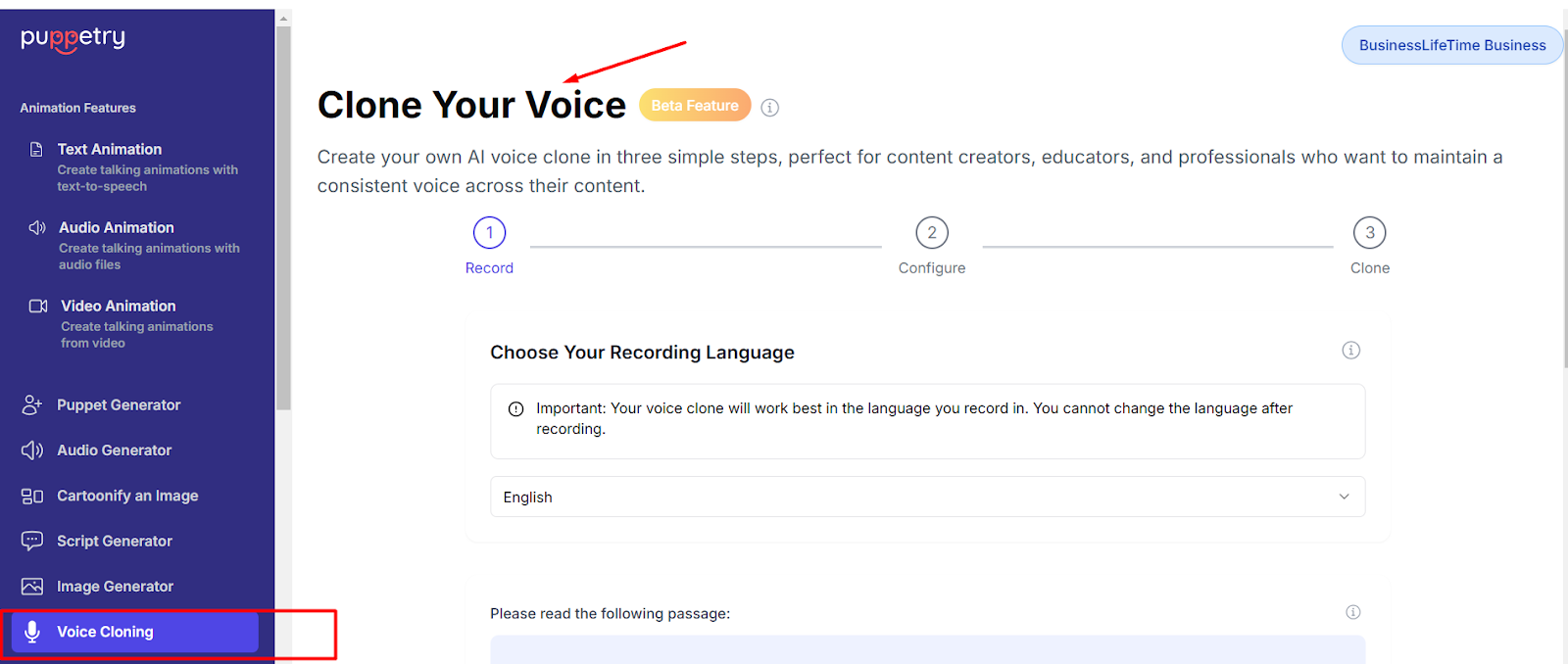
2. Find the Voice Cloning feature on the left side of the menu.
3. Choose a recording language and find the script below it.
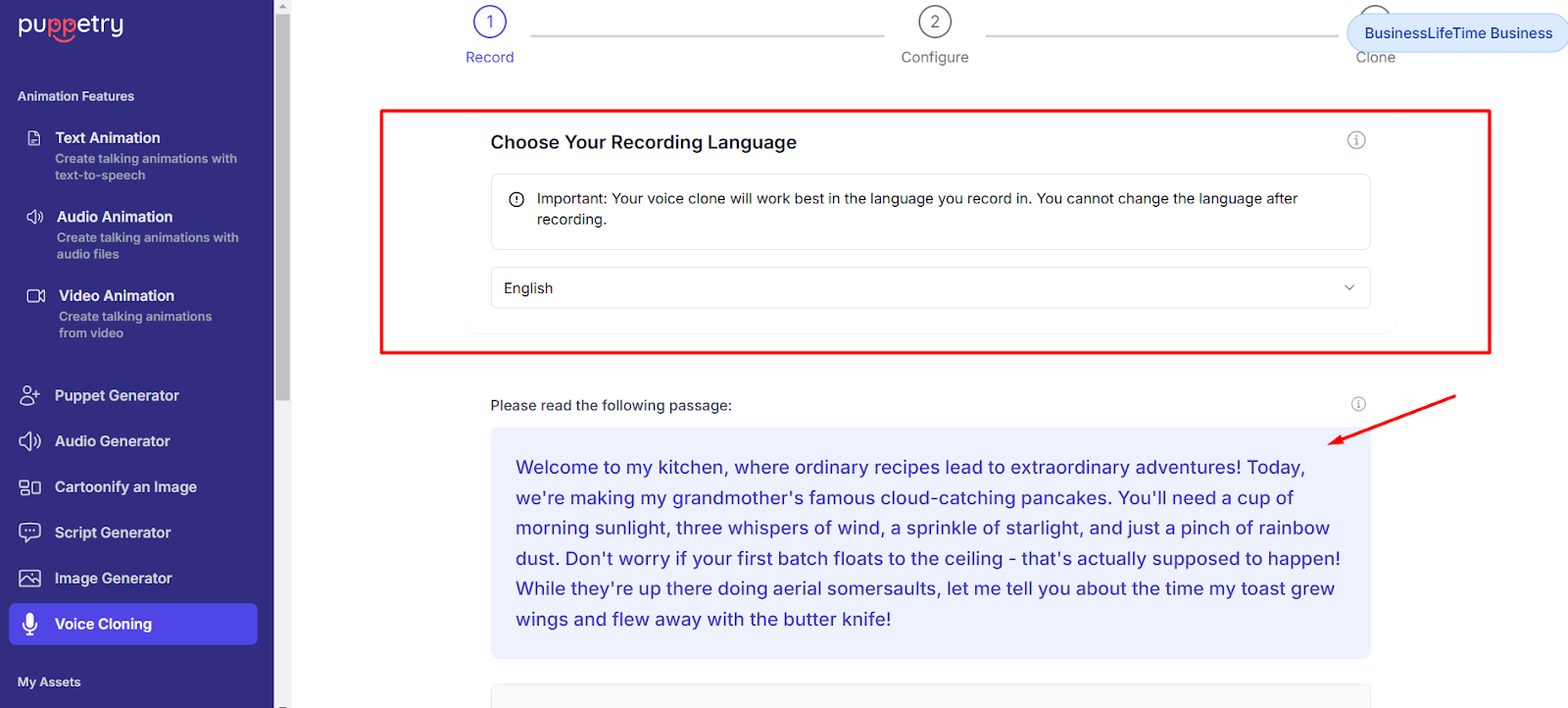
4. Click the “Start Recording” button and read the script loudly and clearly. Once you've done this, stop recording.
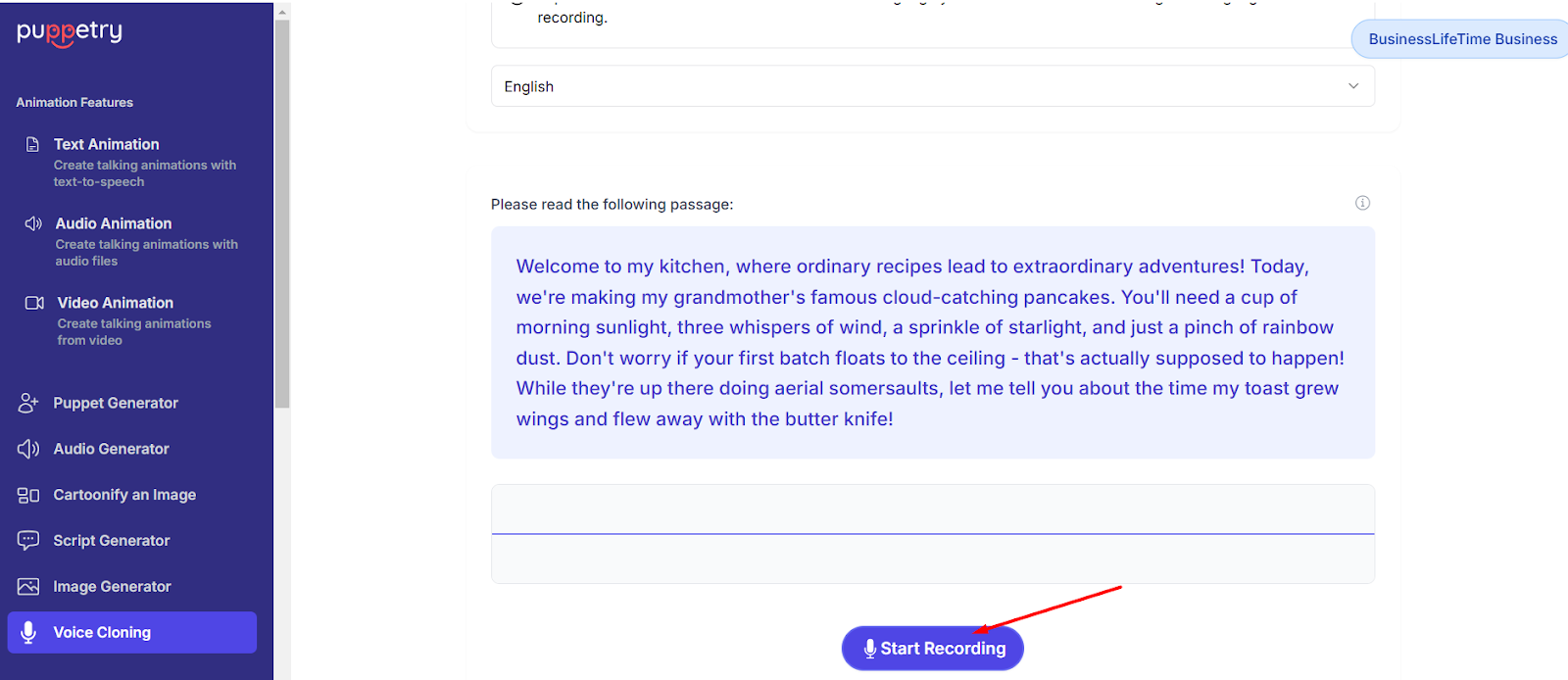
5. Listen to the recording. Delete and repeat the same steps if you’re unsatisfied with the results. But if everything’s good, you can name and save your cloned voice.
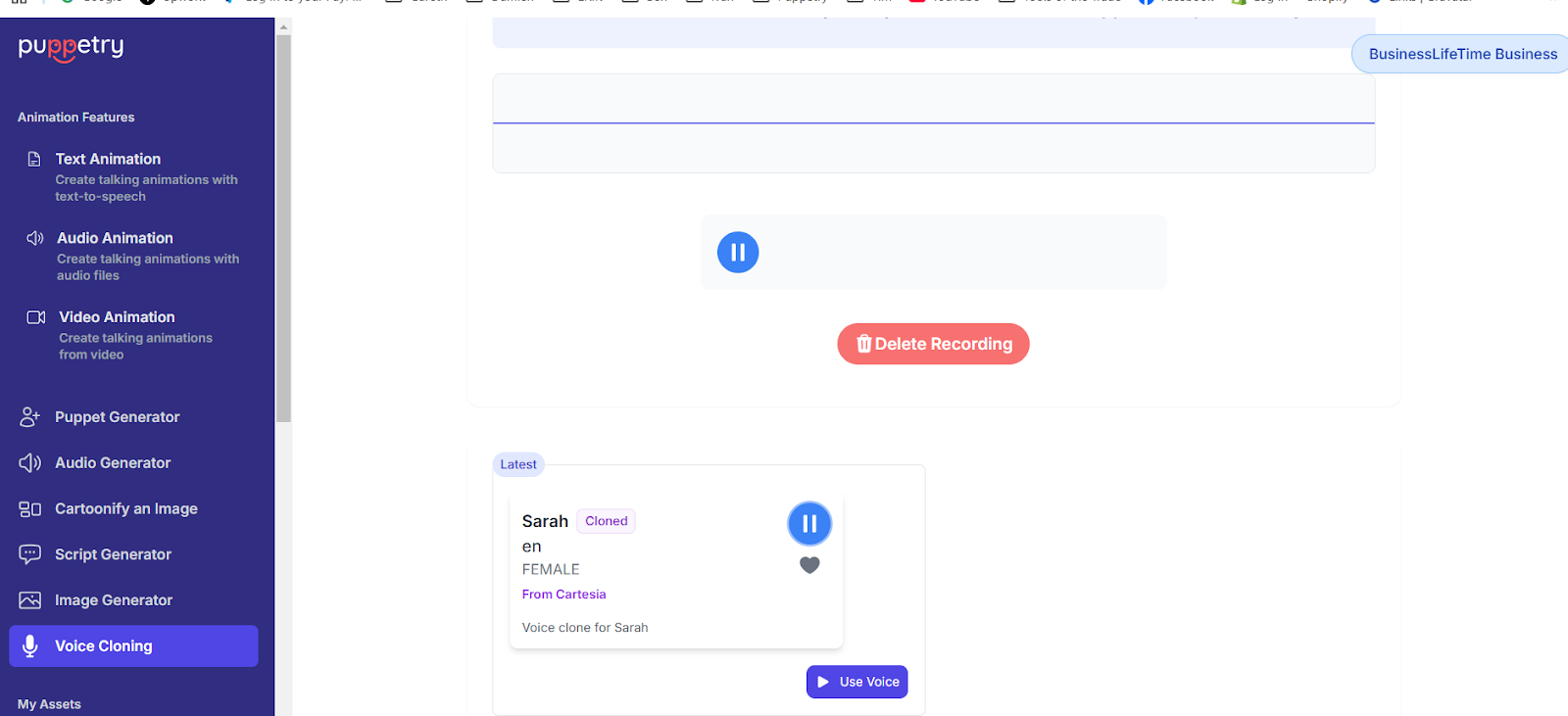
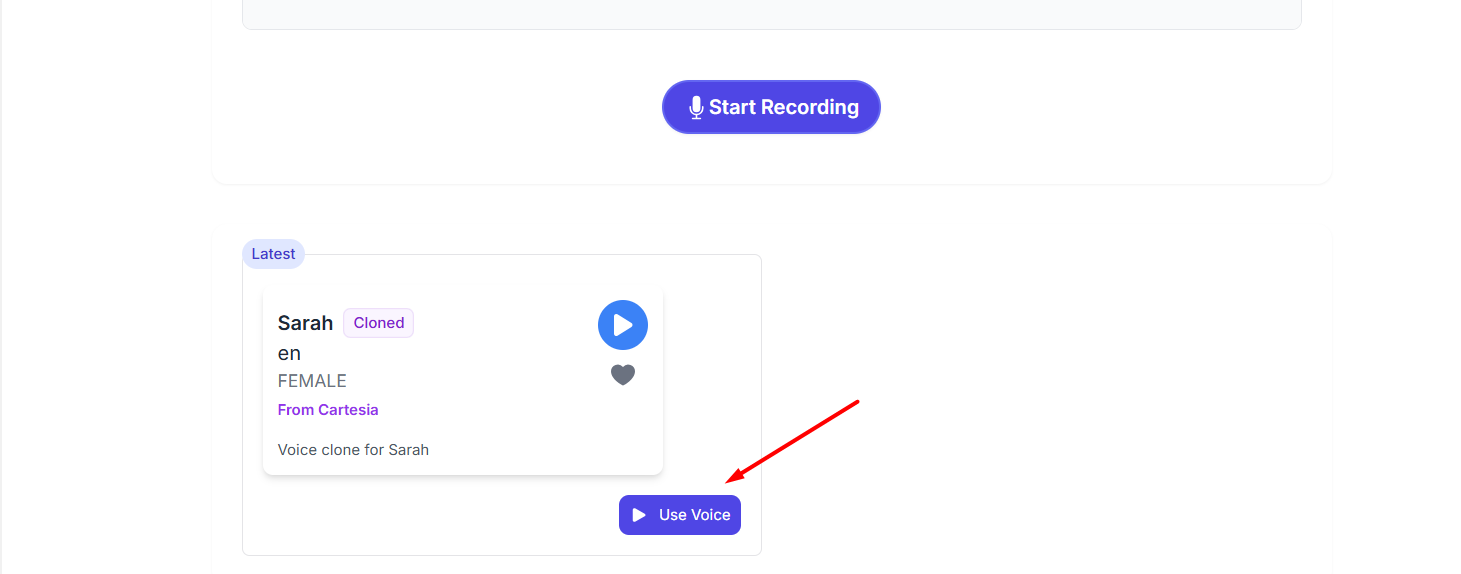
6. Use your voice in animating an image or AI avatar.
7. Type in what you want to say, then generate audio.
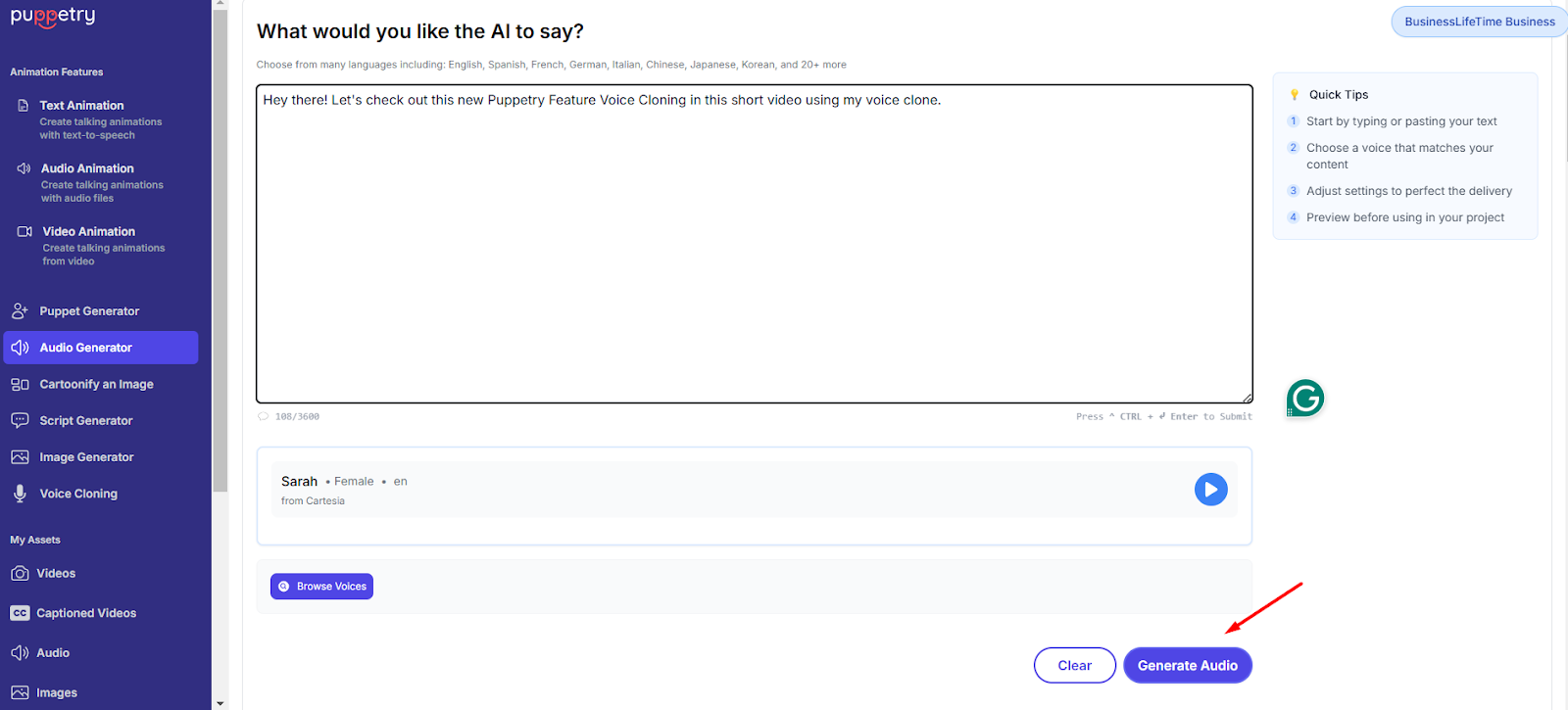
8. Listen to the audio clip and use it to animate a puppet. You may also download the audio clip.
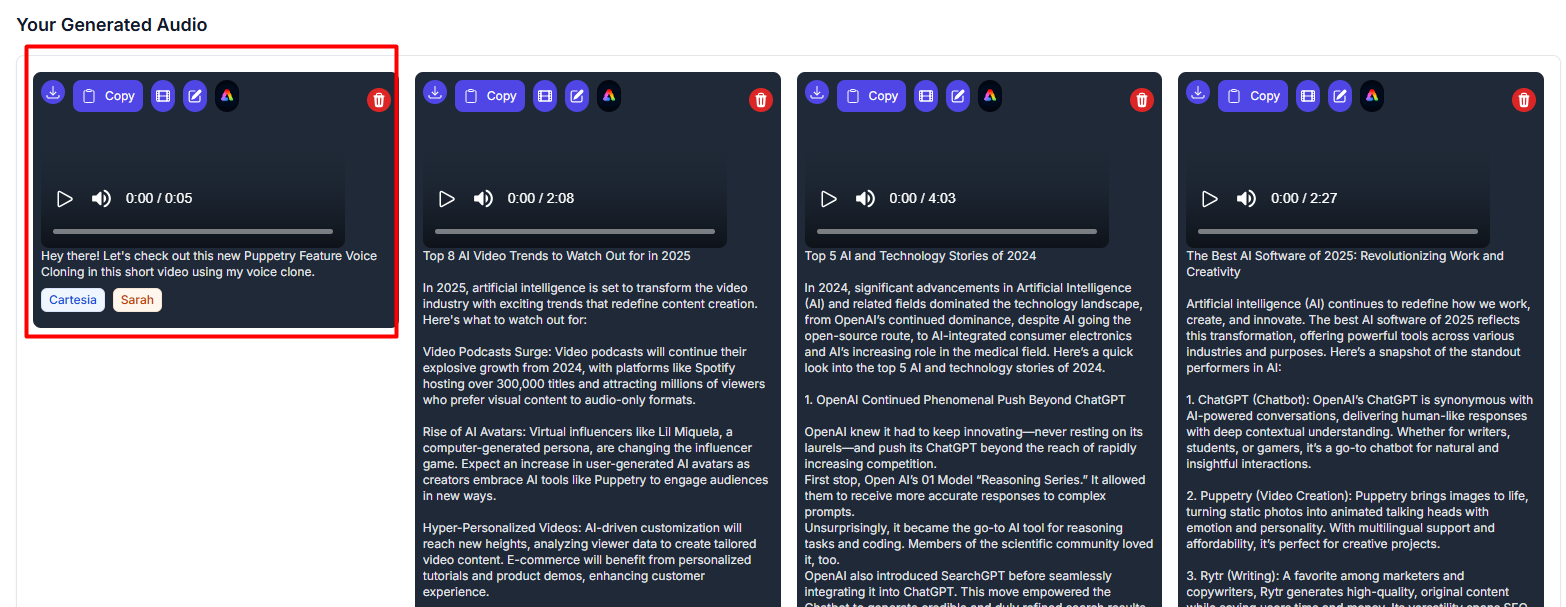
That’s it! Try the latest voice cloning feature and tell us about your experience. If you haven’t subscribed to Puppetry, sign up here today!
Keep reading
More from the blog on the same topic.
New Feature: Voice-to-Voice Conversion
We’re introducing our latest feature, voice-to-voice conversion, which lets you transform a voice recording into a different voice in minutes, while keeping the original timing, tone, and emotion of the recorded or uploaded audio.
NEW FEATURE ALERT: AI Stories for Multi-Scene Videos
AI Stories by Puppetry lets you create high-quality AI-generated videos even without video production or editing skills! Learn more.
Introducing Puppetry’s New AI Video Editor: Pro-Level Editing Made Easy
We’re so happy to announce the latest addition to our growing suite of features that make AI video generation easier!
Ready to create talking videos that hold attention?
Start with a script, pick a puppet, and share a finished video in minutes. Free to try, no credit card required.