Best AI Talking Head Tools 2026
We evaluated the best AI talking head tools for 2026 based on several key attributes, like realism and customization, among others. Our goal? To help you decide which AI talking head video maker fits your workflow and audience (and budget, too!).

AI talking head tools are definitely exploding in 2026! We’ve got indie creators looking to turn photo into talking video in minutes and even enterprise teams scaling production across dozens of languages. The market truly has something for everyone.
But which AI talking head tool is right for you?
If you’re an educator, marketer, content creator, or simply someone who wants to make a name for yourself in 2026 and who desires a clear, honest answer, this article is definitely for you.
We evaluated the best AI talking head tools for 2026 based on several key attributes, like realism and customization, among others. Our goal? To help you decide which AI talking head video maker fits your workflow and audience (and budget, too!).
What to Look For in an AI Talking Head Tool
Everyone knows that no two things are identical, and that extends well into AI talking head generators. It doesn’t really matter if you’re a budding creator or already a seasoned pro scaling a video production team. Several important criteria are worth evaluating before you commit to a platform.
Realism & lip-sync quality
Does the avatar look natural? How about its mouth movement? Does it match the audio convincingly?
Voice quality & variety
Pick a tool that offers an extensive library of voices, especially one that lets you control the tone, speed, and emotion of your avatar’s speech.
Language support
Check how many languages the tool supports. You will also want to check if the material that is translated sounds “natural.”
Custom photo support vs. templates
Some tools only offer pre-built avatars, while others let you upload your own photos (which is a major advantage for personal branding).
Voice cloning
Cloning a real human voice adds authenticity to your creations. More importantly, you’ll save precious time if you’re a high-volume creator.
Ease of use
A clean, intuitive interface is essential, especially for beginners and folks with zero video editing skills.
Pricing
It’s always a great idea to look at what you actually get per tier. Know that some AI tools lock (or restrict) key features behind expensive plans.
The Best AI Talking Head Tools in 2026
Now, let’s apply the criteria we learned above in dissecting our top picks for 2026.
Puppetry – Best for Personal Branding & Versatile Creators
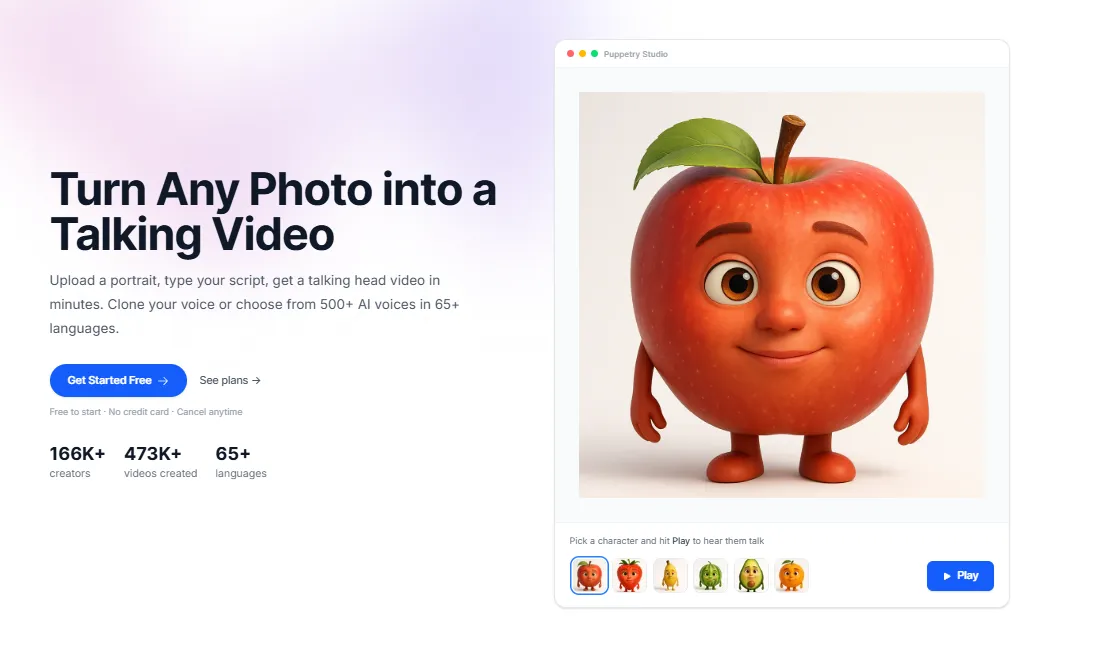
Imagine using your own photos (portraits, headshots, cartoons, drawings, etc.) to create stunning, realistic, and highly personalized AI talking heads! Now add over 500 voices across 65+ languages (and growing), and you’ve got the most flexible AI talking head video maker you can ever use.
Puppetry is perfect for creators who want (and deserve) full control over how their digital content looks and sounds. Its main differentiator? It lets you use your very own photos to animate and deliver your script. No wonder Puppetry is great for personal branding. Even educators who want a consistent digital presence love it, too.
Puppetry’s advanced AI features also include voice cloning, requiring only half a minute of source material to create a near-perfect replica. Although many voice cloning tools exist, Puppetry’s built-in voice replicator comes as an essential part of a larger ecosystem that includes a script generator, an image maker, and an AI cartoonification tool to keep your entire production workflow in a single tab.
And at plans starting at $3/month, Puppetry is an excellent choice for budget-conscious folks who want full-featured options in a single tool. Even teachers (or educators) use Puppetry.
Pros
-
Allows own photo use
-
Voice cloning
-
Massive voice/language library
-
Affordable
Cons
- Some advanced features require higher-tier plans
If you want to quickly turn photo into talking video (and authentically too), Puppetry is it!
HeyGen – Best for Business Video & Multilingual Content
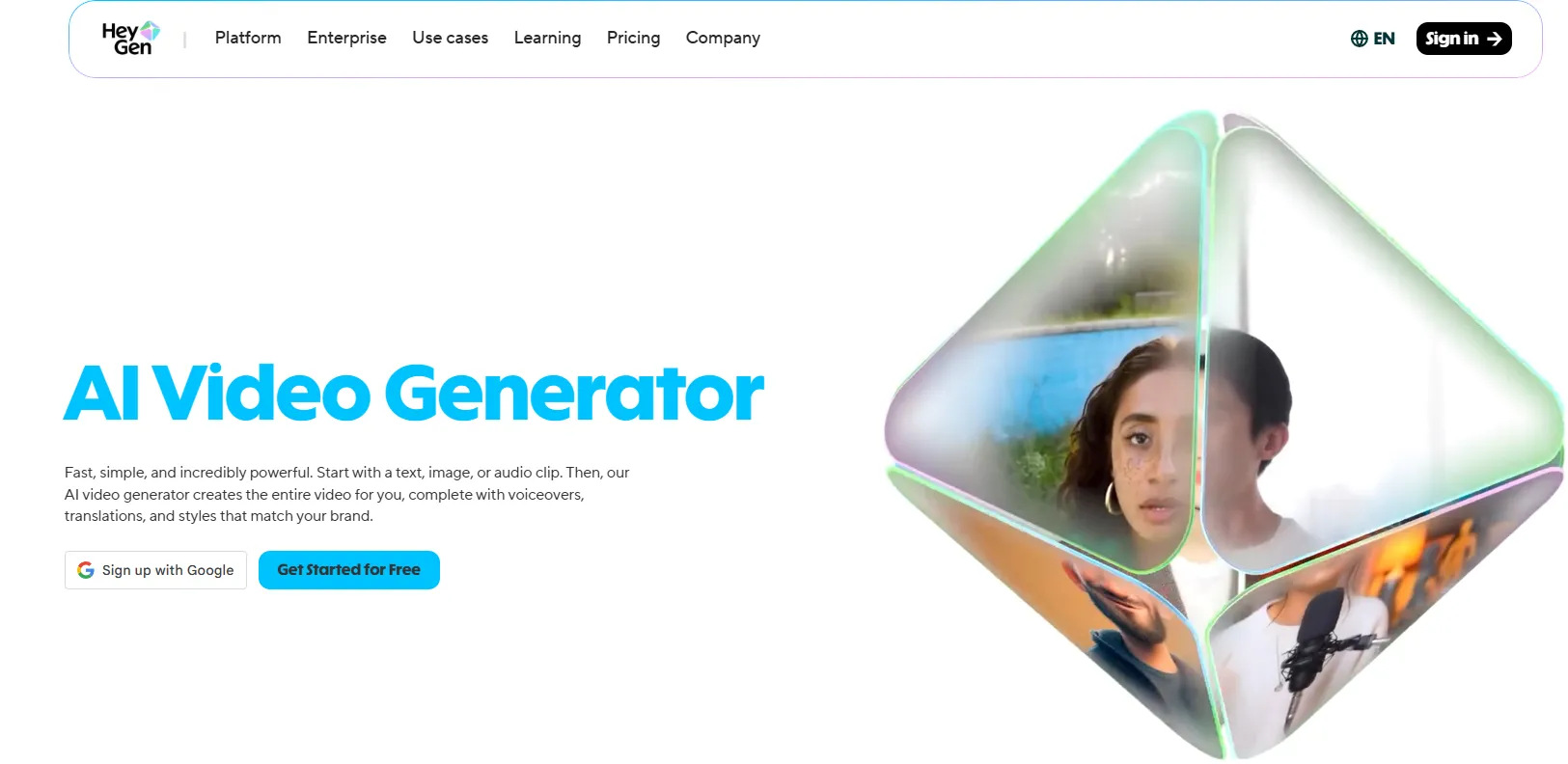
Need a polished platform? Preferably one that’s especially strong for product demos and explainer videos (and even video localization across languages)? HeyGen should be your choice. Its video translation feature (which re-lips an existing video into a new language) is simply unparalleled.
This tool lets you create videos in over 65 languages and 110 dialects, with a choice of over 300 voices. You can even upload a short video and turn it into custom avatar creation. Unfortunately, while HeyGen has a free plan, its paid versions start at about $29/month.
Pros
-
Great multilingual support
-
Very realistic avatars
-
Ideal for localization
Cons
- Pricier
Synthesia – Best for Enterprise & Corporate Training
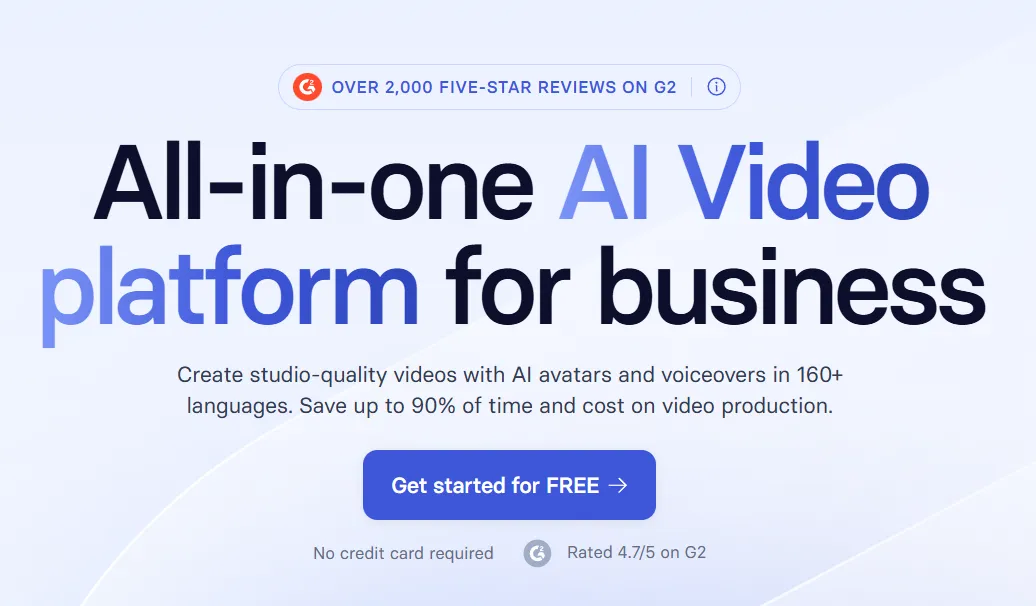
Is your business a large organization, or maybe you’re the head of a department (like HR and L&D or learning & development)? You’ll definitely want Synthesia in your system, especially if you want consistent, high-quality talking head videos at scale. This tool is especially strong for compliance training, onboarding, marketing, and internal communications, where you need brand consistency.
You can choose from over 240+ hyper-realistic avatars and apply over 160 languages to create a brand character. Brand customization and team collaboration tools are also available. Starter plans begin at about $18 monthly.
Pros
-
Enterprise-grade quality
-
Massive language support
-
Recommended for compliance training
Cons
- Expensive for indie creators
D-ID – Best for Photo Animation & Storytelling
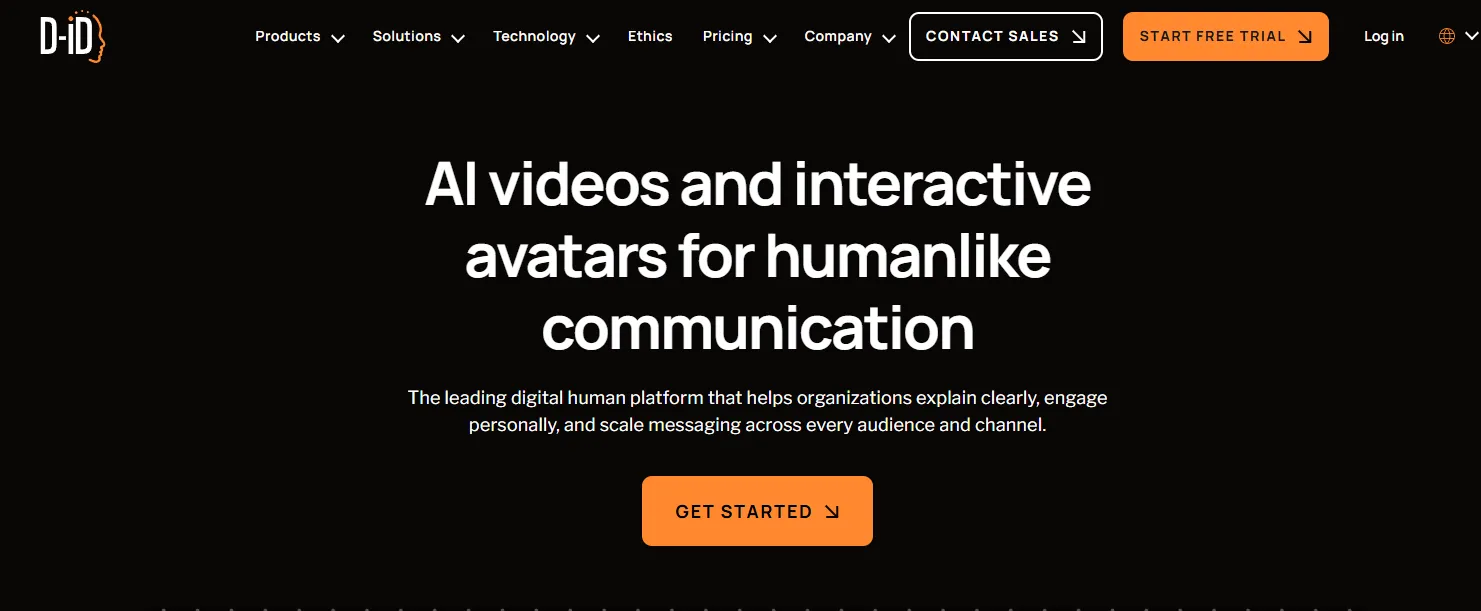
Got historical photos, portraits, illustrations, and other stunning still images you want to bring to life? Trust D-ID to help you turn photo into talking video. It’s one of the most trusted platforms for creative and educational storytelling, especially with its PowerPoint add-in as a handy tool for educators who already live in slide-based workflows.
D-ID lets you animate any photo or image with speech. You can even try its developer API and ensure your talking heads talk with near-perfect lip-sync. And if you think this AI talking head video maker is pricey, you’d be surprised its plans only start at about $5.9 monthly.
Pros
-
Great for animating photos
-
Exceptional PowerPoint integration
-
Ideal for visual storytelling
Cons
- Limited voice and language options
Elai – Best for E-Learning & Training Teams
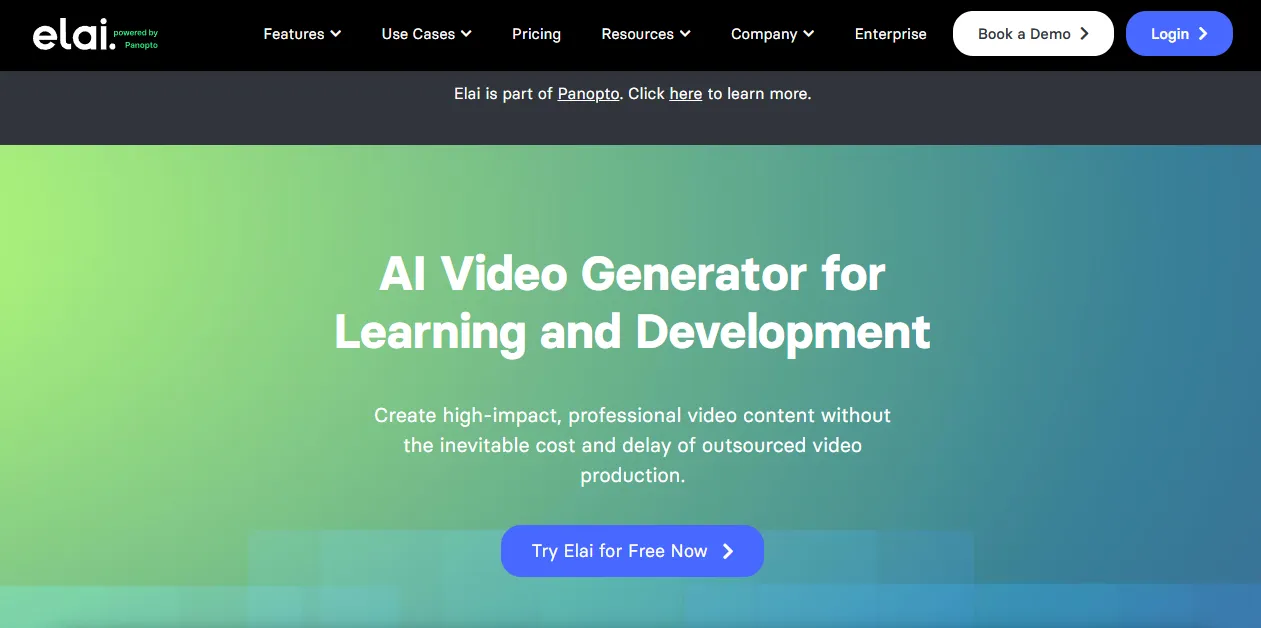
If you’re an educator who simply wants to leverage AI to transform education, whether onboarding videos, compliance modules, internal knowledge bases, or any training content, Elai is worth your consideration.
As an AI e-learning video maker, creating learning videos is so much simpler with Elai’s slide-to-video workflow. You’ll enjoy professional-looking results, delivered in over 70 languages. You get to pick over 80 pre-made avatars and export SCORM (sharable content object reference model) for LMS too. And with plans starting at around $29 monthly, you should get your learning-teaching goals off to a fantastic start.
Pros
-
Superb e-learning integrations
-
Supports SCORM
-
Fast, friendly interface
Cons
-
Limited avatar customization
-
Not ideal for social media content
Creatify – Best for Short-Form Social Media Ads
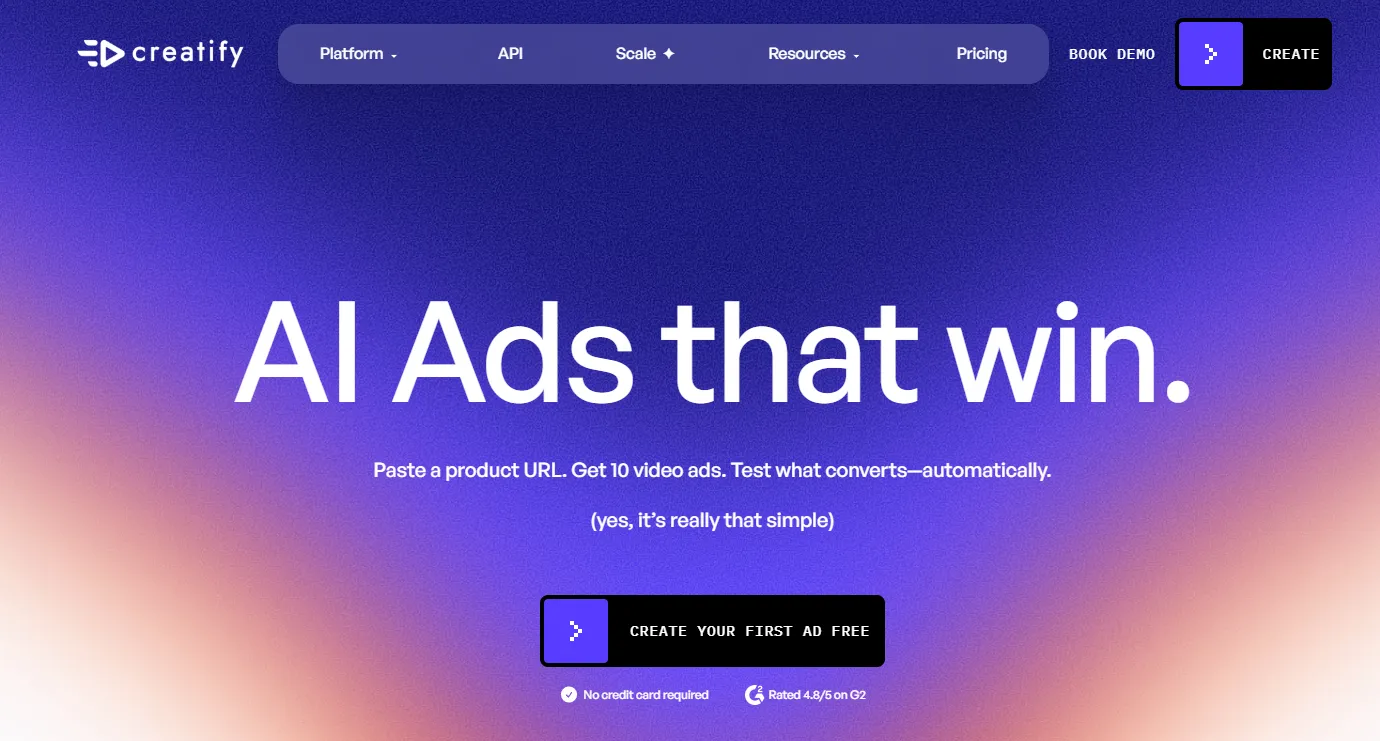
Need to boost your marketing results in 2026? Create scroll-stopping short-form ad content with Creatify. All you need is to paste a product URL into this AI ad video maker, and it automatically generates a ready-to-publish video you can post on YouTube, Instagram, or even TikTok.
What’s fascinating about this UGC-style video tool is how it makes A/B testing so simple with its batch generation. It also has over a hundred avatars to make your videos look more stunning. Plans start at about $19 monthly.
Pros
-
Extremely fast for social ads
-
Great for e-commerce
Cons
-
Not for long-form content
-
Limited language and voice customization
VEED – Best for All-in-One Video Editing
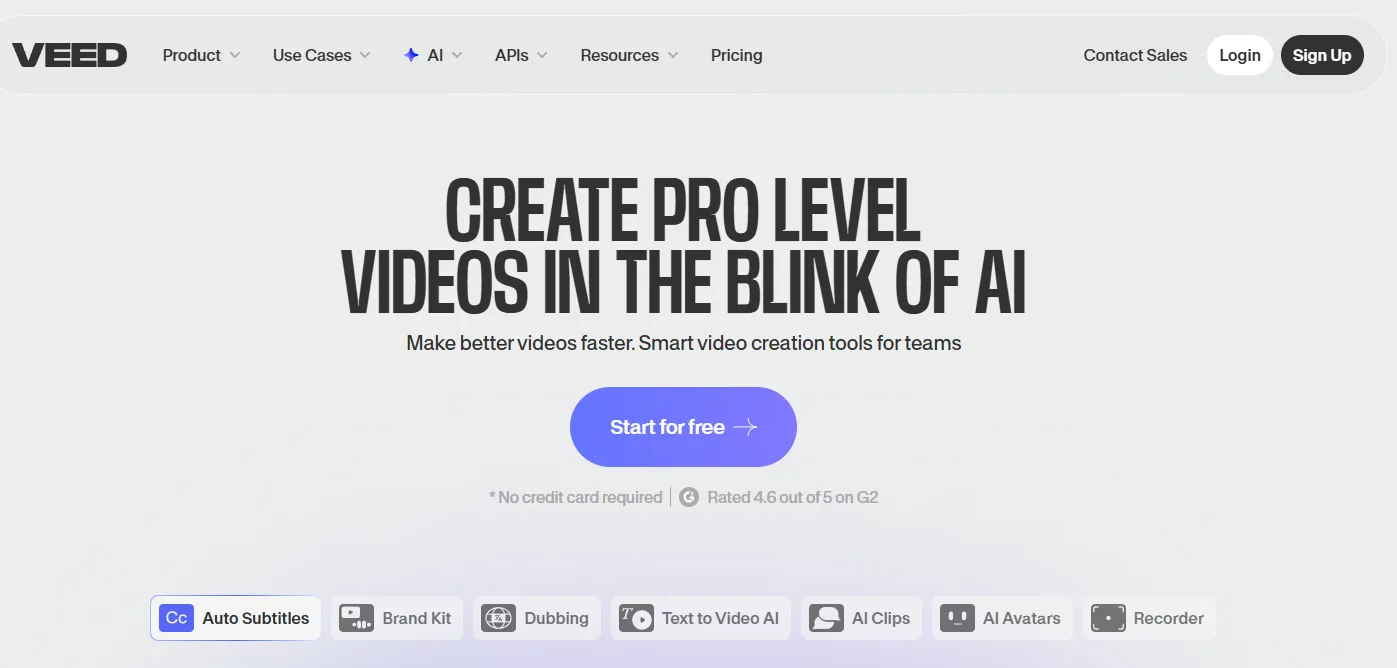
Indie content creators and small teams that want a full production suite in one browser tab love VEED. With plans starting at $10 monthly, you can enjoy solid AI talking head features. It has everything you need, like auto-subtitles, screen recording, a teleprompter, and other editing and avatar creation tools in a single workspace.
VEED provides a brand kit for solo creators, including a modestly sized template library to get your digital content creation journey off to a blistering start.
Pros
-
Good for combining editing with AI avatars
-
Recommended for repurposing content
Cons
-
Quality of AI avatar isn’t as good as others
-
Limited voice cloning
Honorable Mentions
Suppose you like Synthesia, just not its pricing. In that case, Colossyan should be an excellent alternative, especially if you’re into multi-actor scenes and scenario-based learning (think interactive training).
If you’re into realistic news anchor-style avatars or even want to upgrade your customer service applications with interactive AI humans, we recommend DeepBrain AI.
And if you’re after a clean avatar library and solid team workflows (which are perfect for corporate communications and internal video production), you can always consider Hour One.
Which Tool Should You Pick?
It’s obvious that the best AI talking head tool depends on your use case. Here’s a quick decision guide -
[table]
You can also try checking out our guide to choosing AI talking head software, in case you want a more in-depth comparison of these tools.
Conclusion
Zeroing in on the best AI talking head tool boils down to three things. First, how do you want your digital presenter or avatar to look? Second, how should they sound (comical or natural)? And third, how much are you willing to spend?
In 2026, no AI talking head video maker does all three better for everyday digital content creators than Puppetry. Not only does it allow you to use your own photos and images, but it also shares over 500 voices you can apply to your creations. What’s more, it bundles its voice cloning (requiring only a 30-second sample) feature with a 65+ language library at a friendly price point.
However, HeyGen and Synthesia remain stalwarts for businesses and enterprises, although Creatify owns the space for short-form video ads. And if you’re into photo animation storytelling, D-ID has it under wraps.
But of course, if you’re after sheer versatility, voice variety, language support, and overall value, Puppetry leads the pack (especially if you’re an indie creator).
So, try Puppetry for free today and create your very first AI talking head video in minutes. See and experience what’s possible with this AI tool.
Keep reading
More from the blog on the same topic.
Best Synthesia Alternative 2026: AI Video Tools To Try
If you want a solid Synthesia alternative, you’ve definitely come to the perfect spot. Here are AI video tools to try!
Best 5 AI Talking Head Generators To Try 2025
The best Al talking head generators 2025 are some of the most innovative tools businesses and individuals can use for compelling talking heads. Learn more in this guide today!

Best AI Tools for a Productive 2026
The best AI tools have transformed how 21st-century individuals work, create, and solve problems. The question now is which artificial intelligence tools you should pick. Learn more here today!
Ready to create talking videos that hold attention?
Start with a script, pick a puppet, and share a finished video in minutes. Free to try, no credit card required.