How to Personalize Your Avatar in Puppetry?
You can personalize your avatar with it! That's what we're talking about in today's post on how to personalize your avatar in Puppetry. Check it out.

Puppetry offers the easiest way to create an animated image or talking presenter. Content marketers, educators, vloggers, and creators can use it for engaging videos, images, social media posts, and visual aids.
And what’s the best part? You can also personalize your avatar with it! That's what we're talking about in today's post on how to personalize your avatar in Puppetry. Check it out.
7 Steps to Personalize Your Avatar in Puppetry
1. Sign up for an account. It’s free! Start with a free plan, or try any plan with a 14-day money-back guarantee!
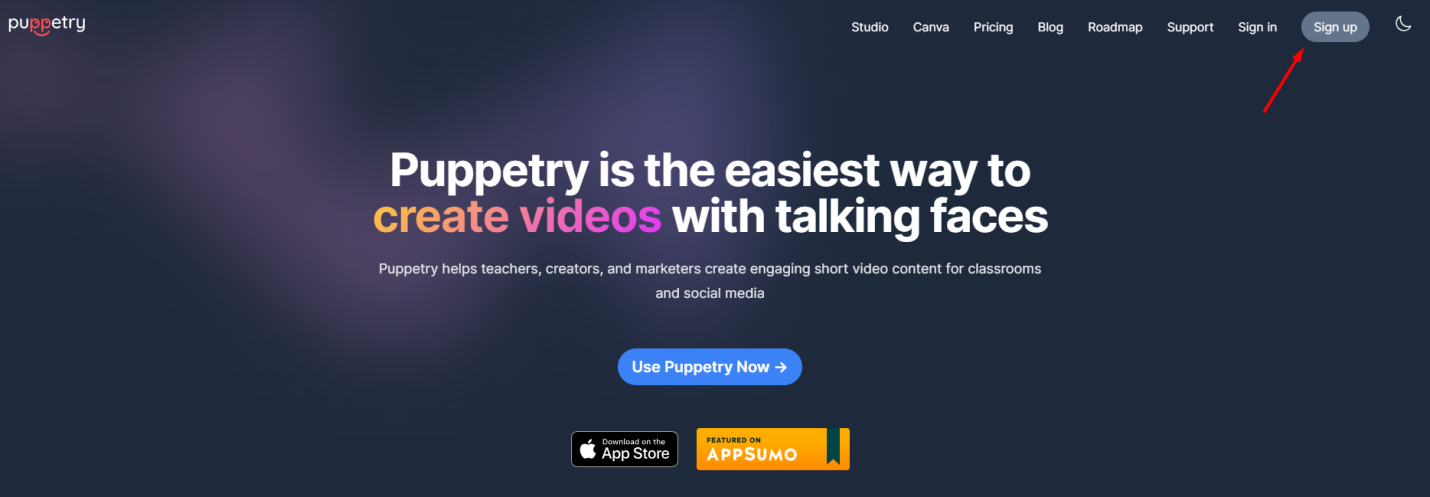
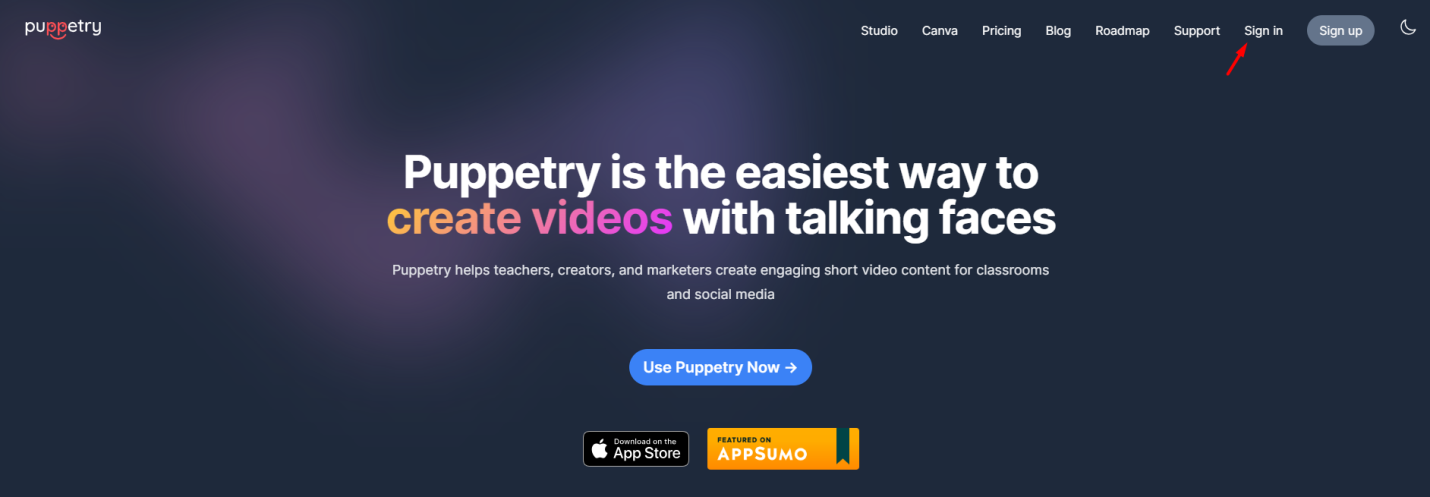
2. Log in to your account.
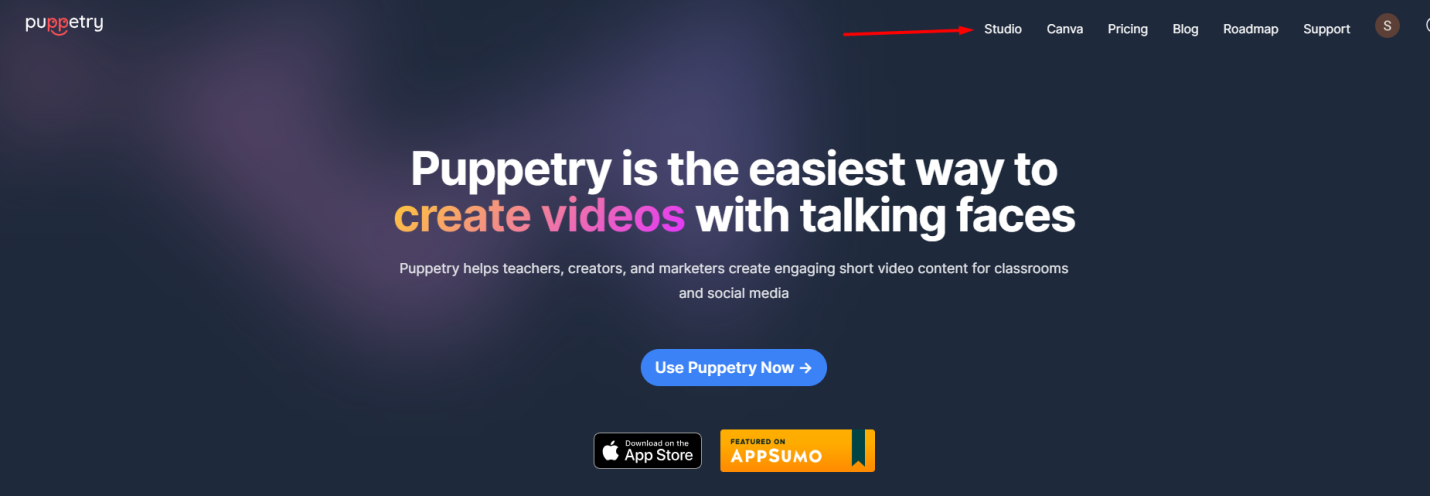
3. Go to the Studio.
4. Create a Presenter. From the dropdown menu, choose its gender, origin, and fashion style.
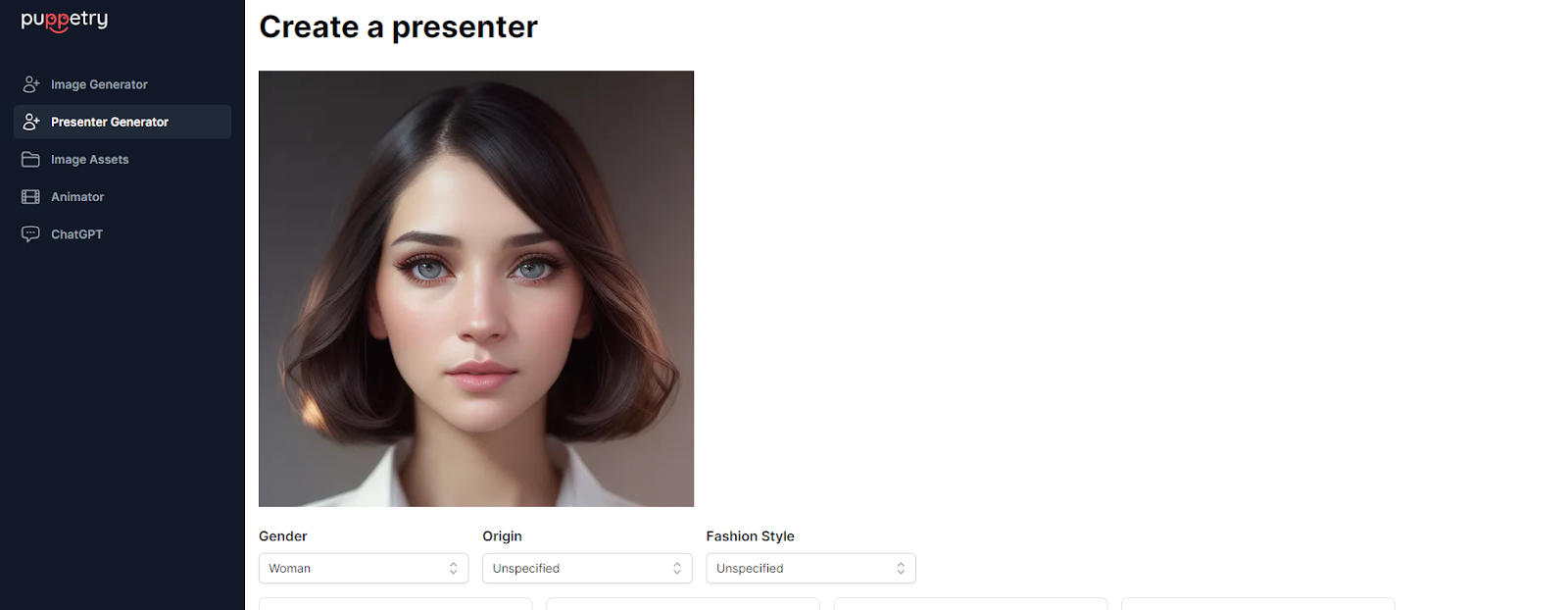
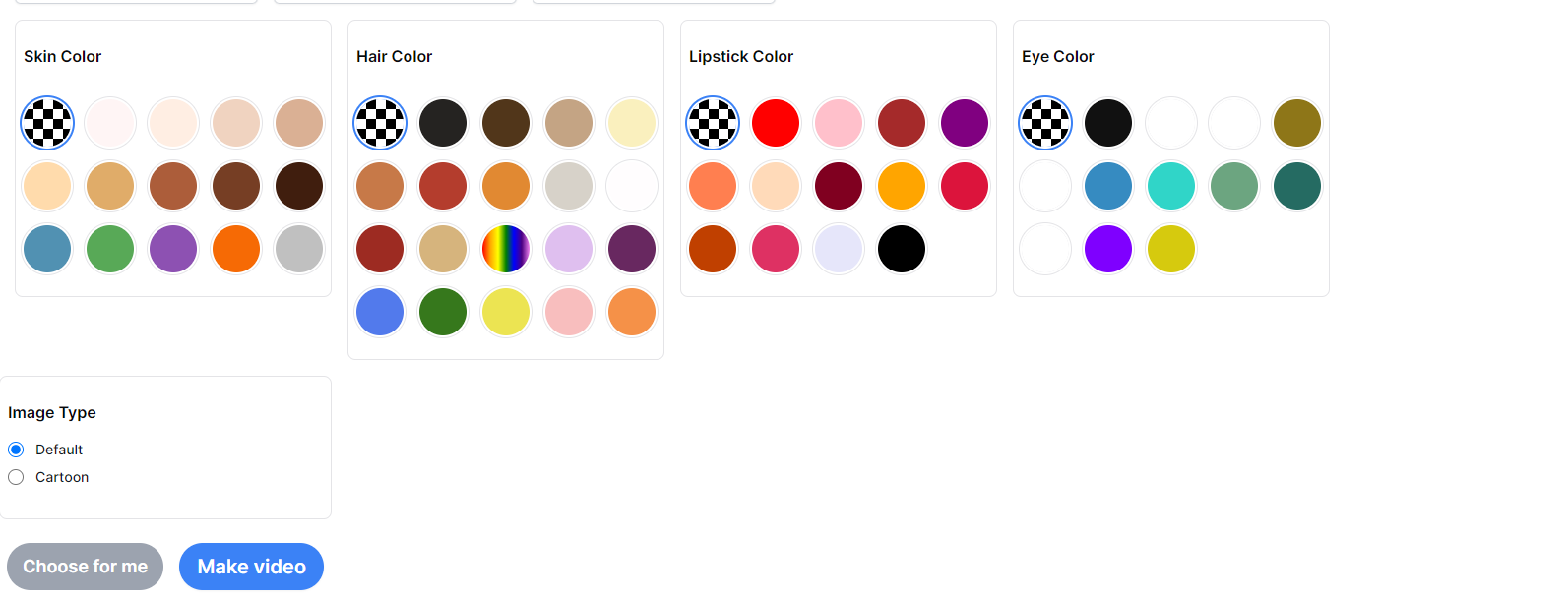
5. Personalize it. Select “DEFAULT” or “CARTOON,” and then click “Make Video."
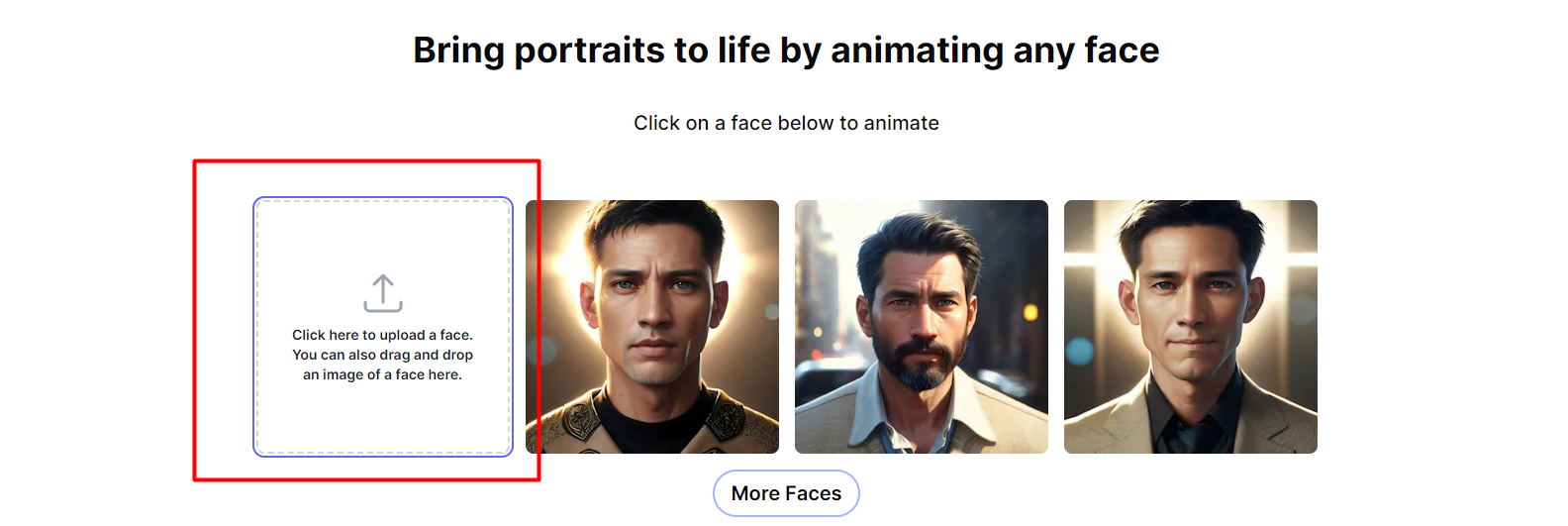
6. If you want to animate your face, click the box in this image.
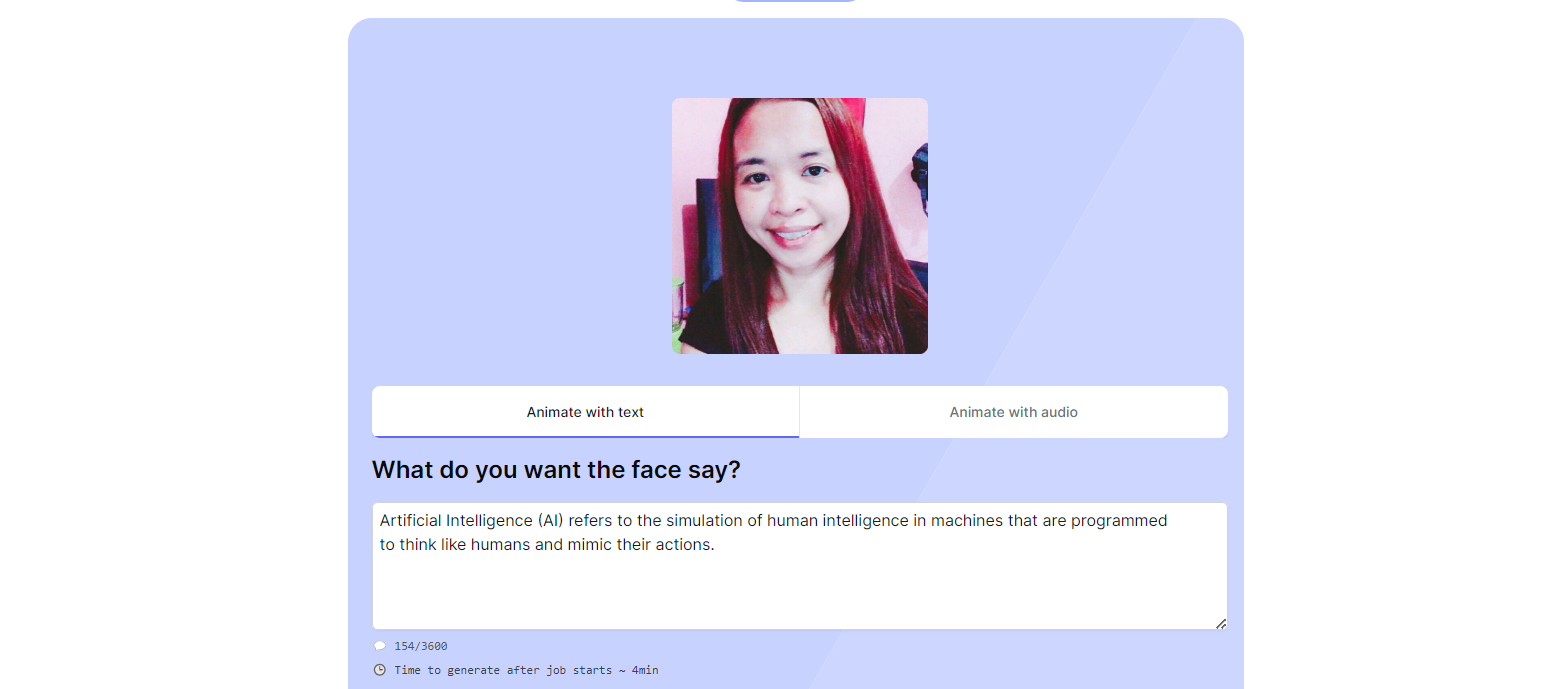
7. You can start typing in a sentence or two of what you want the face to say. Follow the next steps, and wait for the generated talking ANIMATED FACE.
Video processing may start in two to five minutes but varies when servers are busy. I've also written a guide on how to use Puppetry in the Studio.
Are you using Canva? Here’s our blog post on using Puppetry on Canva, where you can experiment with animated faces or talking presenters in content, such as videos, Facebook covers, infographics, animated logos, etc.
FAQs
Can I use ChatGPT for Puppetry?
Yes. Read this guide on how to use ChatGPT for Puppetry to learn more about it.
What is Puppetry AI image generator?
The Image Generator lets you generate images from text in seconds.
I want to learn more about Puppetry.
Check out guide, which features what you need to know about it.
So, are you ready to personalize your avatar in Puppetry? Try it today!
Keep reading
More from the blog on the same topic.
How to Make a Cartoon Avatar for Social Media in 2025 (No Design Skills Needed)
Whether looking to upgrade your social media or TikTok profile or personal brand, or just want to have some fun, you’ve come to the right post. Today, we’ll show you how to make a cartoon avatar! Ready? Let’s get started.
How To Turn Your Image Into a Cartoon Using Puppetry?
Puppetry is an AI video generator that you can also use to turn your images into cartoon avatars. This article will teach you how you can generate your own cartoon avatar for your videos.

How to Use Puppetry in the Puppetry Studio
Want to create a short video or an animated image with Puppetry? Learn how to use Puppetry on the Puppetry Studio in today's tutorial here.

Ready to create talking videos that hold attention?
Start with a script, pick a puppet, and share a finished video in minutes. Free to try, no credit card required.